- calendar_today August 15, 2025
The development trajectory of Microsoft’s Copilot assistant in Windows 11 shows some turbulence as users initially viewed its features as potential solutions that lacked specific problems. Microsoft’s regular modifications to the essential functions of Copilot intensified user reactions as the tool transitioned from a native Windows application and web-based service before finally becoming more integrated.
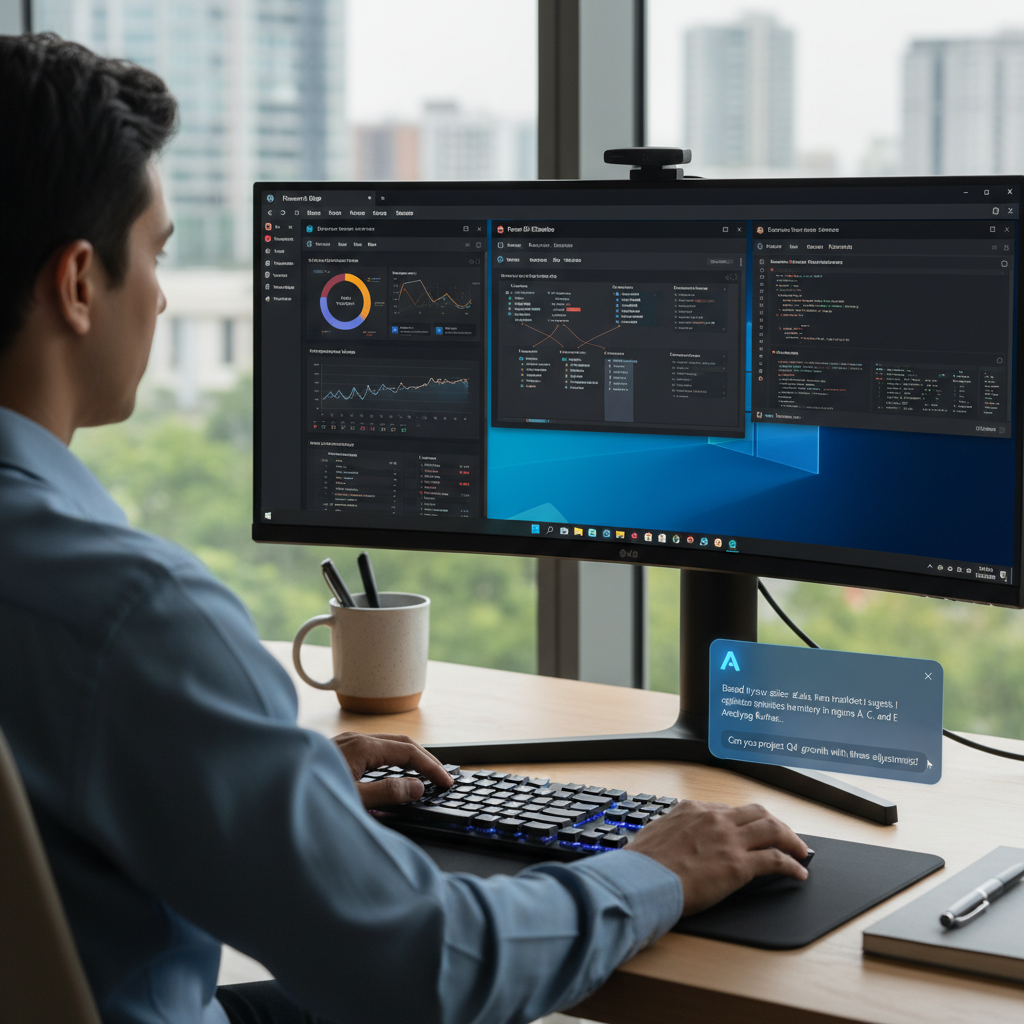
The latest Copilot Vision enhancement has generated significant attention because it appears capable of fulfilling an important user demand. Microsoft’s Windows Insider program testers now have access to an enhanced version of Copilot Vision, which extends its capabilities beyond its original purpose of analyzing Microsoft Edge webpage content to answer user questions.
The new update allows Copilot Vision to analyze every application window on a user’s desktop while providing insights about document content and the application’s user interface and functional features. This progression suggests Windows may soon host a more contextually aware and integrated AI assistant.
Enhancing Workflow Efficiency Through AI-Powered Guidance
The enhanced Copilot Vision offers substantial practical benefits based on its ability to operate both reliably and accurately, which remains essential for any AI-driven tool. The new feature aims to eliminate the frustrating and time-intensive need to search the internet for help when users face difficulties with unfamiliar applications or try to access hidden functions in complex software like Microsoft Word, Excel, and Adobe Photoshop.
Switching between related but different software platforms like Photoshop and Affinity Photo demonstrates how Copilot Vision could be beneficial. Subtle variations in workflows combined with different terminology and UI layouts create substantial challenges requiring extended time and causing user frustration when adapting to new systems. Copilot Vision theoretically delivers a streamlined solution through its ability to provide users with contextual guidance and explanations directly inside the software interface.
With Copilot Vision, users can obtain immediate guidance about a specific function or interface element without minimizing their application to search the internet for possibly irrelevant results. This functionality offers substantial improvements for users learning complex software while boosting productivity and reducing user frustration, which results in more efficient computer use.
Privacy Considerations and the Windows Insider Program
Users need to provide active access to their application window content to enable Copilot Vision’s advanced functions. When sharing content with the Copilot assistant, users must understand that the sharing process encompasses both the window’s visual interface and all the data it contains. The fact that Copilot Vision depends on remote processing means any user data must be sent to Microsoft’s servers, regardless of whether they use Copilot+ PCs with local AI processing. Microsoft has addressed previous privacy concerns that emerged from this data sharing practice. The company assures users that once a Copilot Vision session finishes, their spoken data and any shared context are deleted.
Microsoft records Copilot’s output as part of their effort to enhance their safety systems while ensuring this data follows the standards of Microsoft’s Privacy Statement. To obtain these new Copilot features, users must join the Windows Insider program, which requires a Microsoft account registration and increased diagnostic data sharing from their computers.
Streamlined File Access and Management
The recent Copilot update delivers advanced visual analysis features as well as substantial upgrades in file interaction capabilities for users. Copilot now lets users preview read various file types directly from inside its window, which removes the necessity of opening external applications.
Copilot’s capability to access file content could boost workflow efficiency as users manage multiple documents or search through information across different files. This enhancement allows users to access file contents quickly and efficiently within a single application, which eliminates the need to switch between different programs, resulting in a more continuous and productive way to handle and retrieve local data.
The Role of the Windows Insider Program
Microsoft demonstrates its software development and quality assurance methodology through the initial distribution of advanced Copilot Vision and file management features to Windows Insider program members. Microsoft gathers essential feedback on new feature functionality and usability through real-world testing with a select group of users who understand pre-release software and provide detailed input.
Through this feedback loop, Microsoft addresses bugs and improves user interface design while verifying feature alignment with broader audience needs before general release. The Windows Insider program allows users early access to new features but requires them to accept potential instability or unexpected behavior while their feedback remains a key part of the development process.
The recent Copilot update brings enhanced Vision capabilities while introducing new file searching functions which allow users to read some file contents directly from the Copilot window without opening them. To join the Windows Insider program you need a Microsoft account and consent to sharing extensive diagnostic information about your PC with Microsoft.